MCP Tools Are Raw Material, Not Finished Products
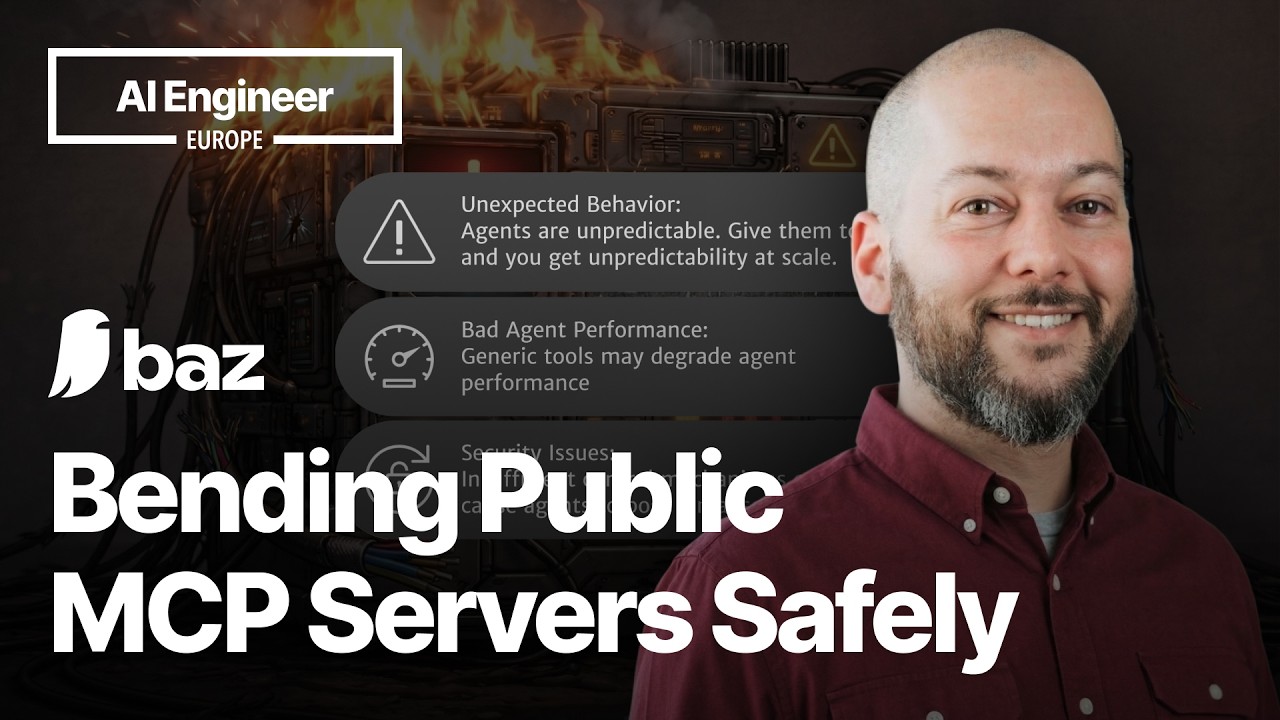
Nimrod Hauser (LinkedIn, X), a founding engineer at Baz, opened his talk at AI Engineer Europe with a deceptively simple observation: public MCP servers ship tools designed for everyone, which means they're optimized for no one. When you plug generic tools into a production agent, the agent hallucinates URLs, saves files in the wrong places, and picks the wrong tool for the job.
"Agents are already non-deterministic, unpredictable things. You give them tools and you get unpredictability at scale."
His framing is that MCP tools are "glorified integration code written by a third party." The descriptions attached to those tools are the primary mechanism by which agents decide what to do -- and generic descriptions produce generic, often wrong, agent behavior. The fix isn't better prompts or a smarter model. It's reshaping the tool layer itself.
The Setup: A Spec Reviewer That Doesn't Work
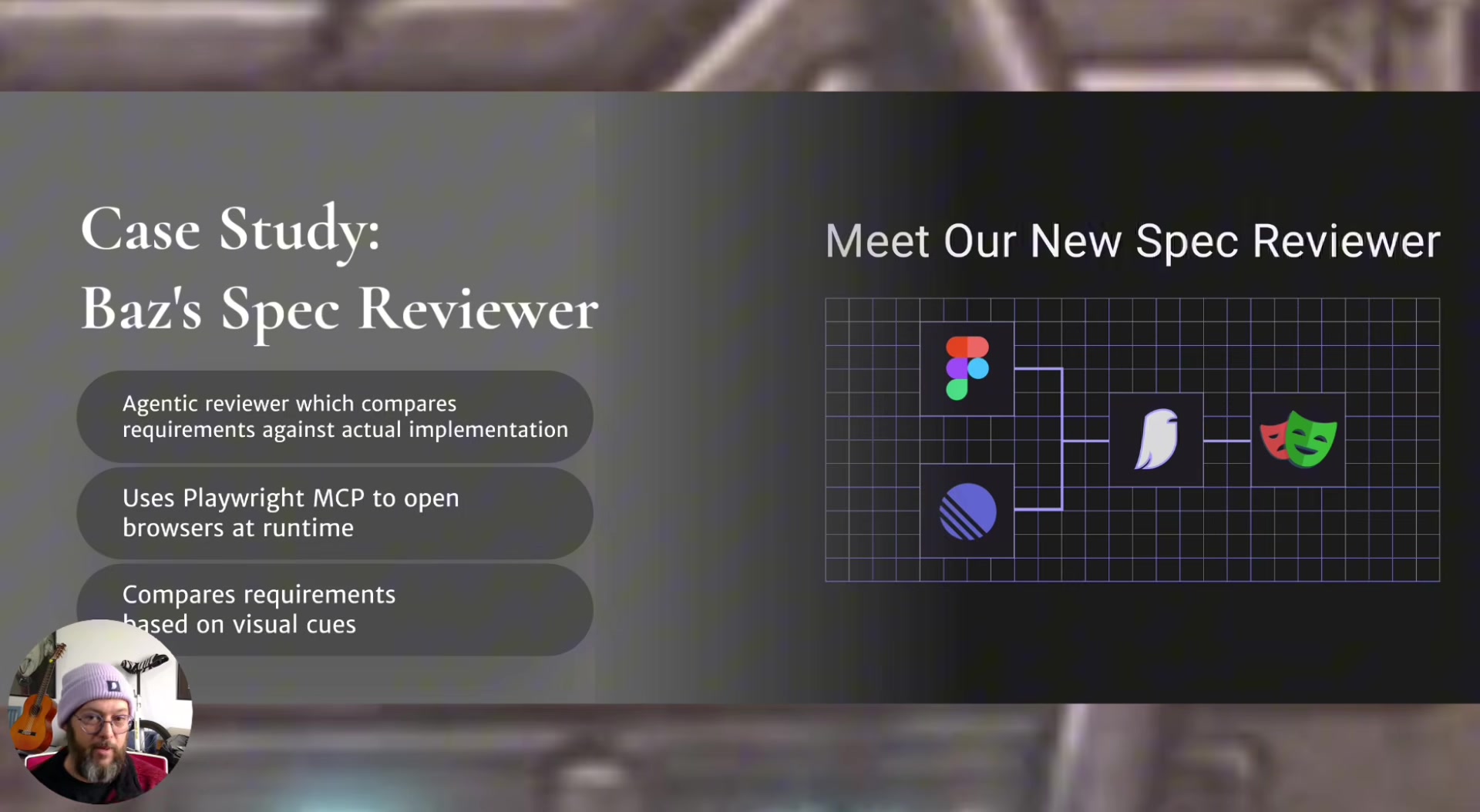
Hauser demonstrated with a concrete example: an agent that reads a ticket and a Figma design, opens a browser via Playwright's MCP server, navigates to the deployed application, and checks whether the implementation matches the spec -- producing a pass/fail verdict with screenshot evidence.
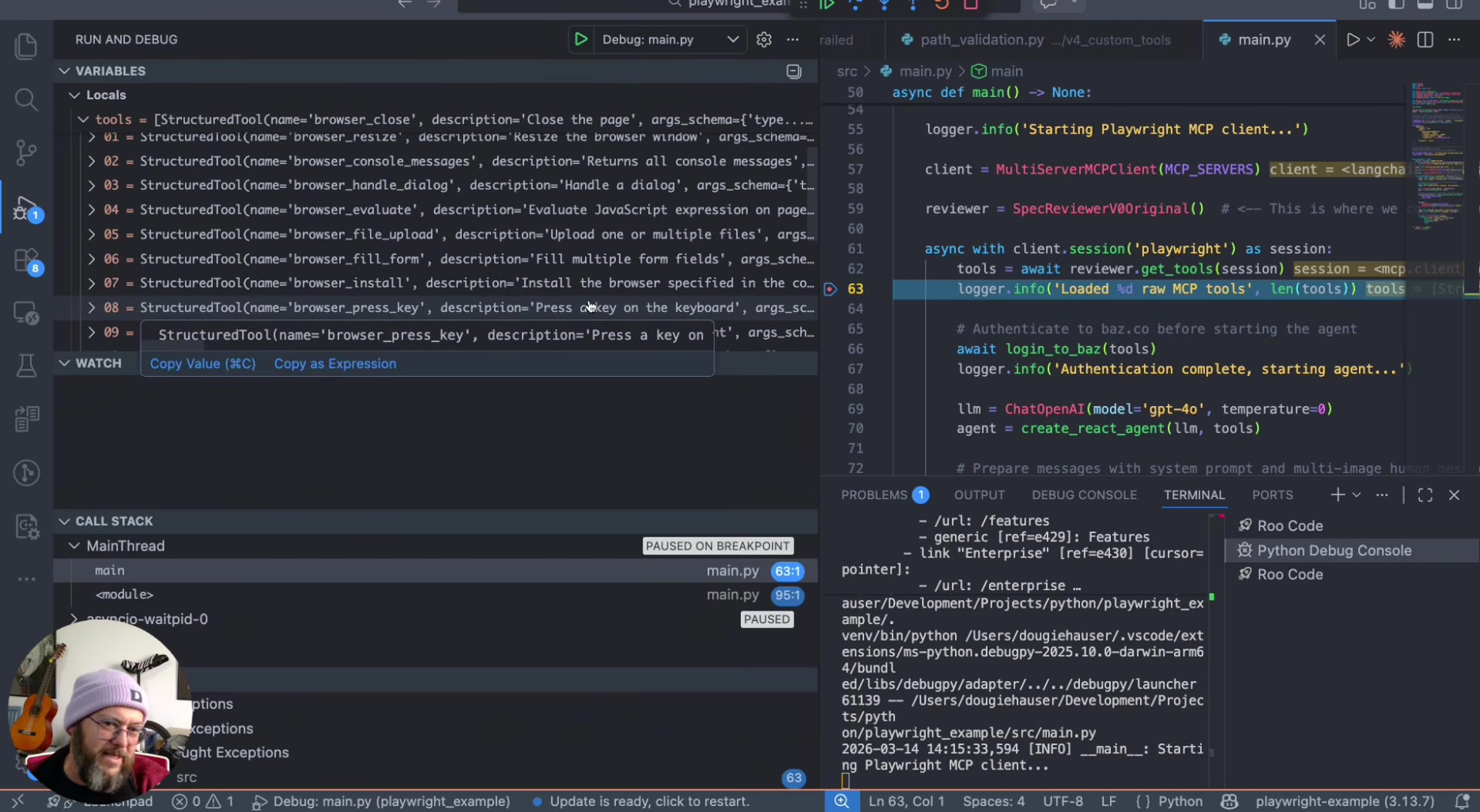
The baseline version loaded all 21 Playwright MCP tools unmodified. The result: the agent hallucinated a URL, navigated to a 404, and returned a false negative. The tool descriptions were shallow and generic -- things like "Press a key on the keyboard" and "Close the page." Hauser doesn't blame the Playwright team for this. As he put it, "the people at Playwright don't know what our specific use case is."
Five Techniques to Reshape the Tool Layer
Rather than treating MCP integration as all-or-nothing, Hauser presented five iterative techniques, applied one at a time to the broken baseline.
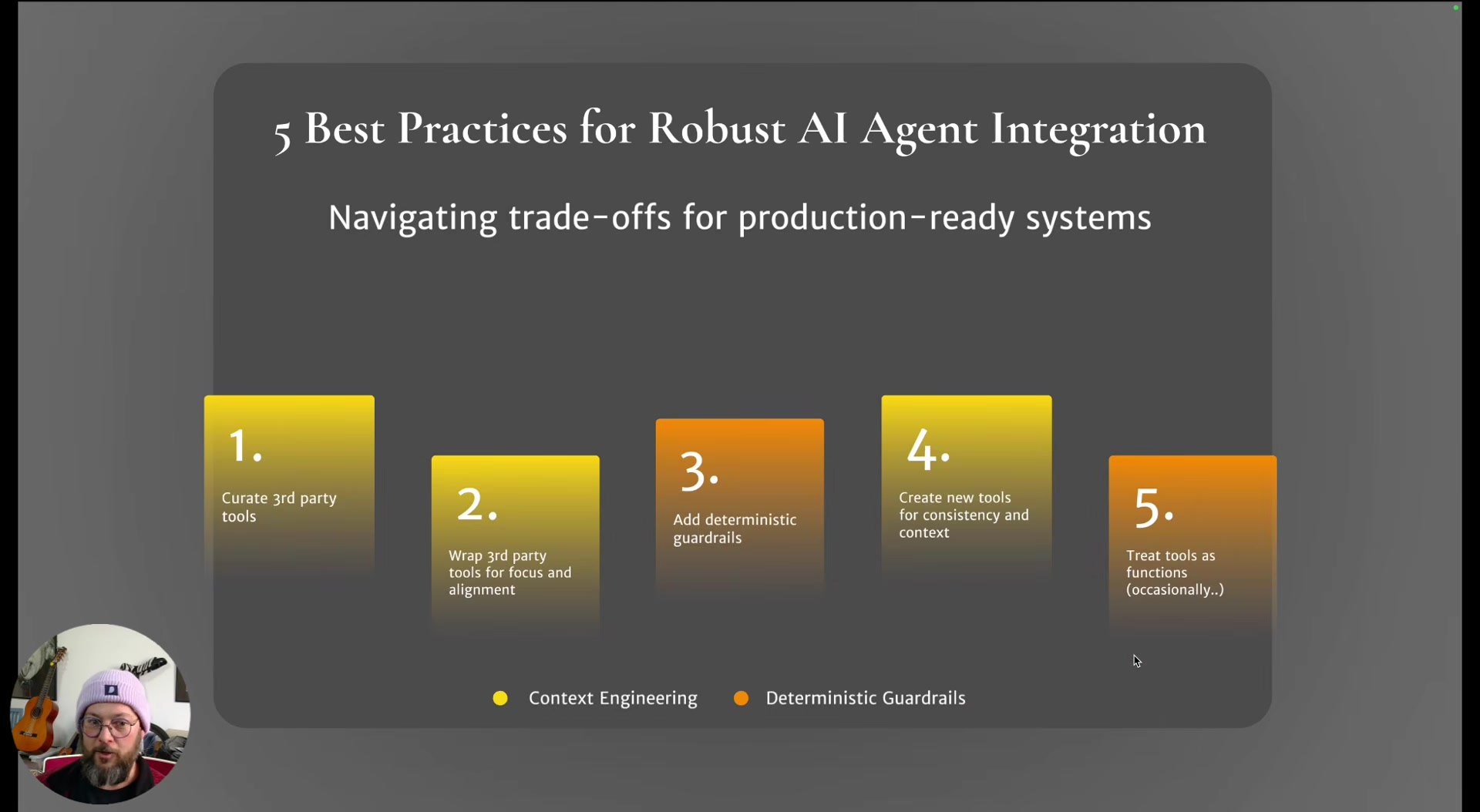
1. Curate. Remove tools the agent doesn't need. Hauser cut 5-6 irrelevant tools (browser resize, drag, execute JavaScript, etc.), dropping from 21 to 16. Fewer tools means a smaller decision space for the agent.
2. Wrap with enhanced descriptions. Create wrapper tools that call the original functions but carry descriptions tailored to the use case. The Playwright "snapshot" tool -- actually an accessibility tree dump, not a visual screenshot -- got a directive description steering the agent to use it as a first step before clicking or hovering.
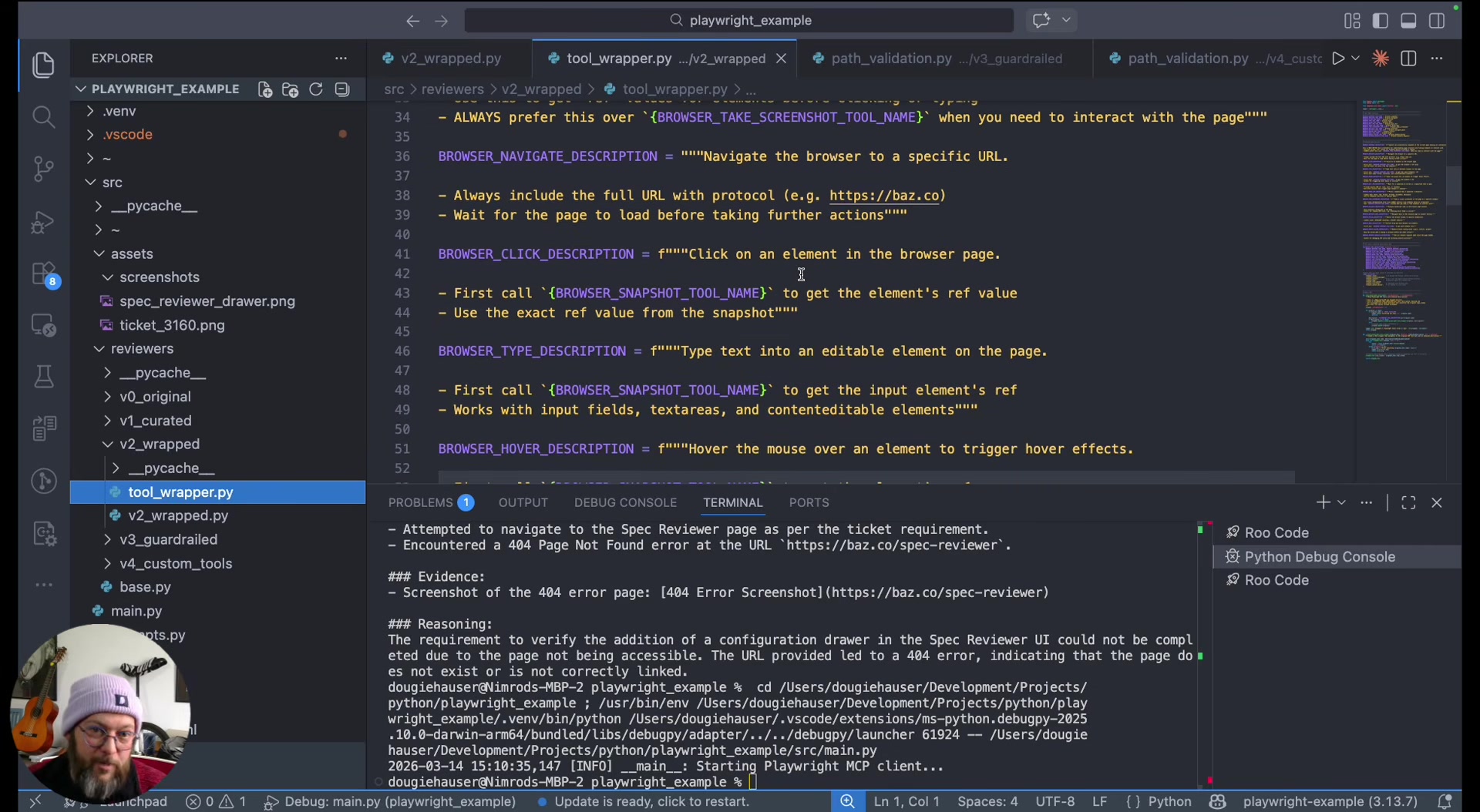
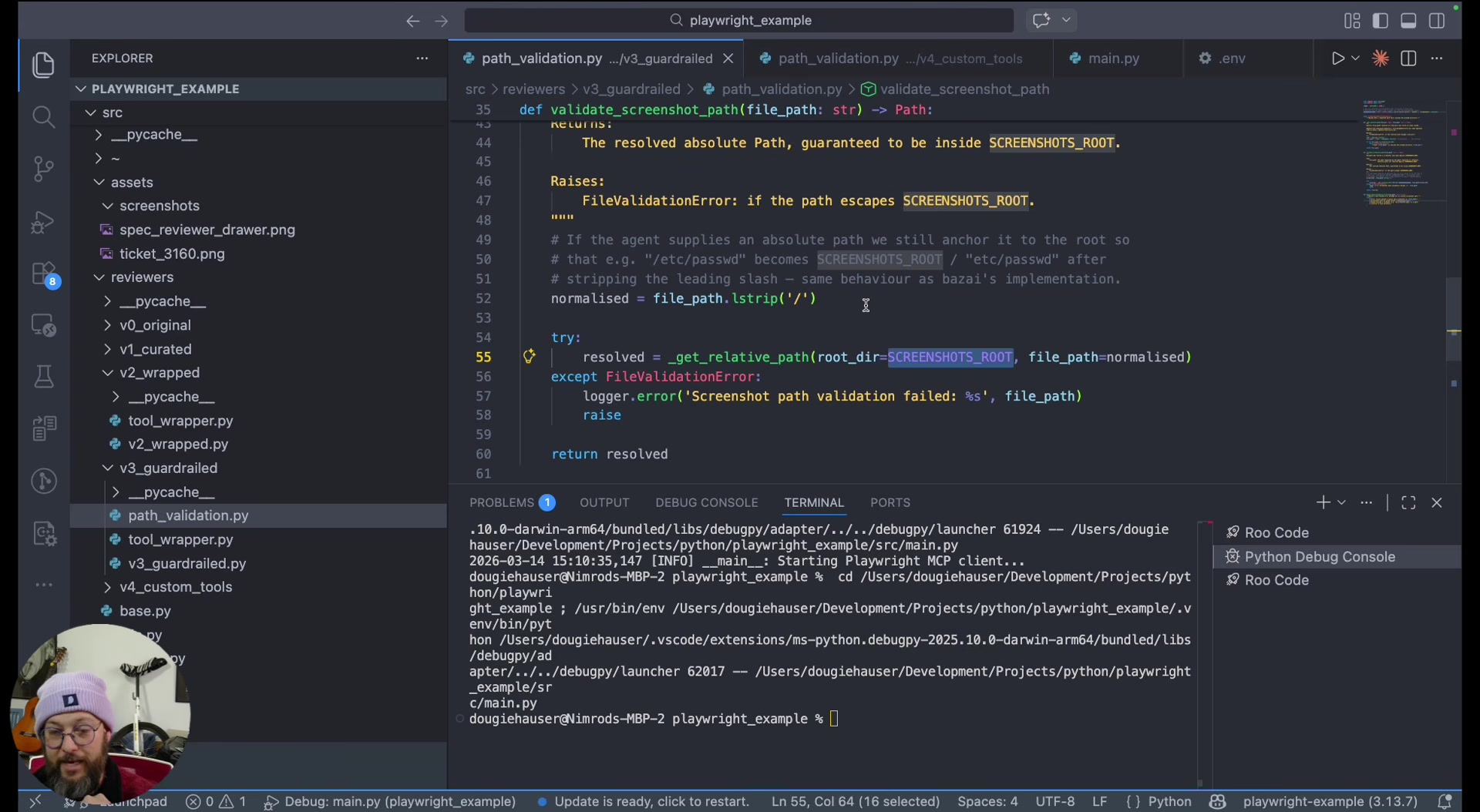
3. Add deterministic guardrails. Intercept tool calls with validation logic before they execute. His example: the screenshot tool accepts a file path, so a check validates that the path falls within the designated directory. If not, it returns a structured error message explaining the constraint. The agent self-corrects on the next attempt. Hauser stressed returning friendly error messages rather than raising exceptions, so the agentic loop keeps running.
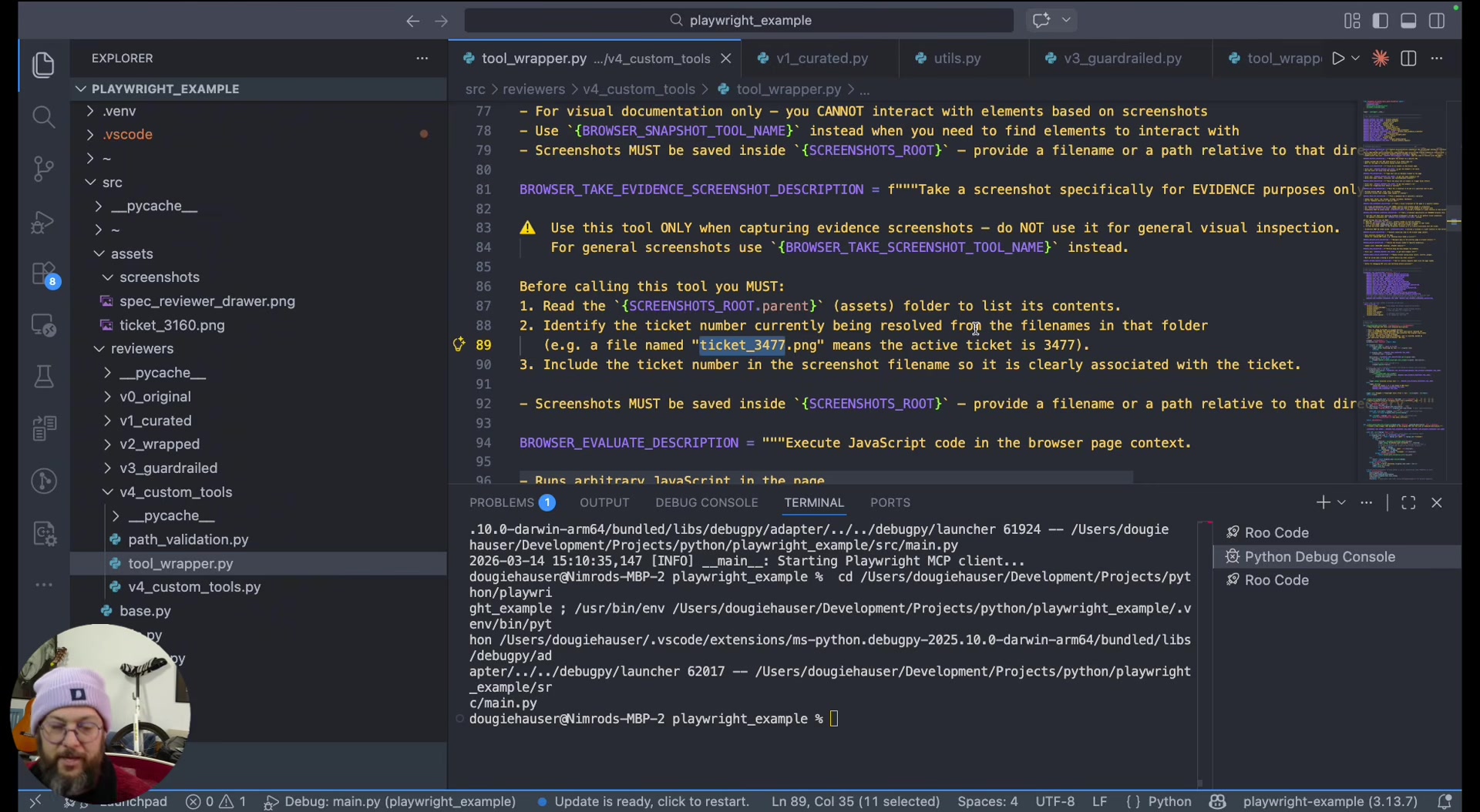
4. Compose new tools from existing ones. He created an "evidence screenshot" tool wrapping the existing screenshot tool but with a separate description scoped to evidence-taking. The description instructs the agent to include the ticket number in the filename. This lets the agent distinguish between casual navigation screenshots and formal evidence captures.
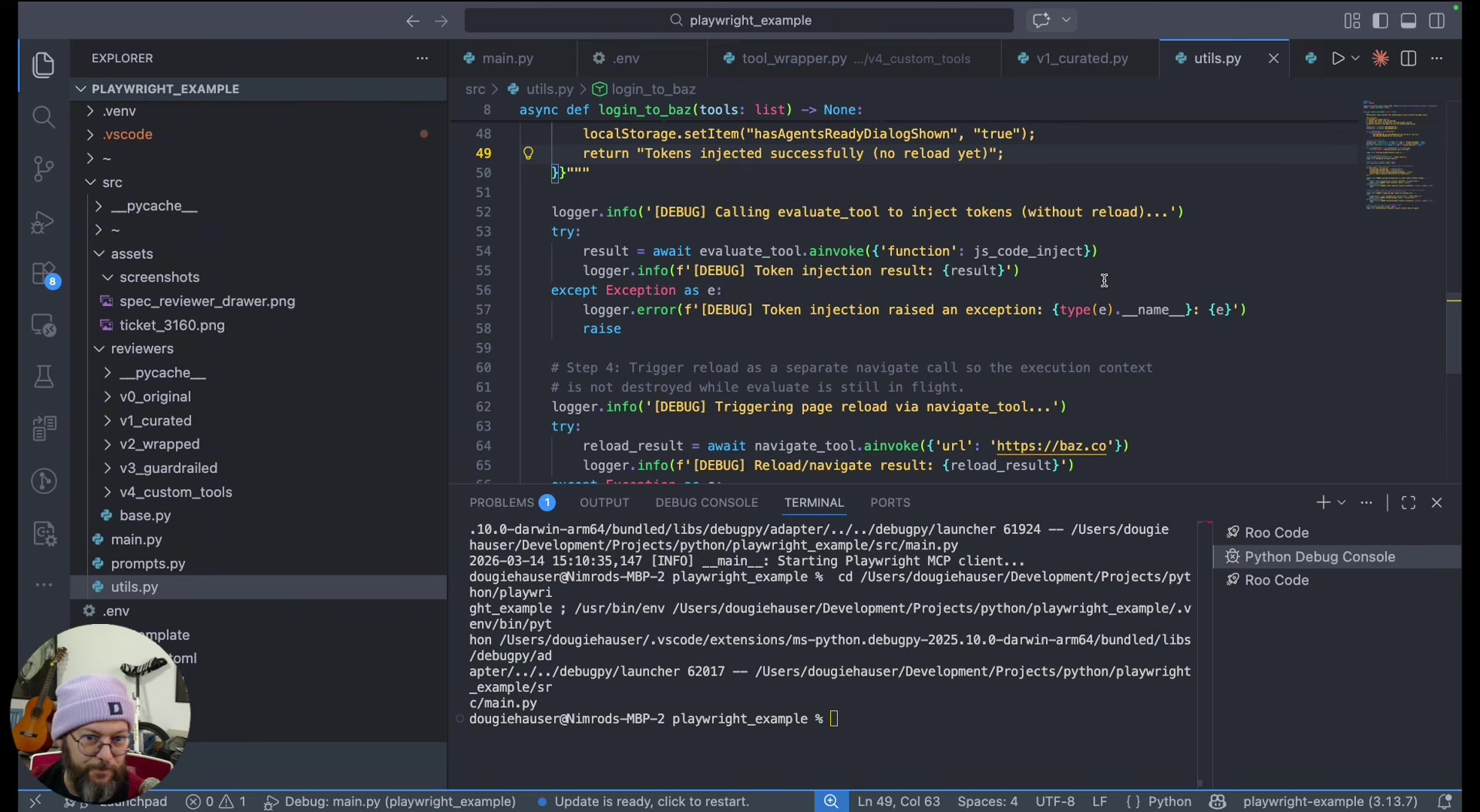
5. Pull critical operations out of the agent loop entirely. Some steps are both critical and invariant -- the agent adds no value in deciding how to do them. Hauser's example: logging in by injecting JWT tokens into browser local storage via Playwright tools, called as plain functions before the agent starts. The agent receives a logged-in session and skips the error-prone login step entirely.
The Leverage Is in the Descriptions
The second technique -- wrapping tools with better descriptions -- is where Hauser sees the most underappreciated leverage. Descriptions are the interface between your agent and its tools. When you write "always prefer this over taking an actual snapshot," you're not prompting the agent -- you're reshaping its decision environment at the tool level.
This is distinct from prompt engineering. The descriptions travel with the tools themselves, which means they work regardless of how you structure your system prompt. Hauser groups techniques 1, 2, 4, and 5 under "context engineering" -- the practice of shaping what the agent sees and has access to, rather than what you tell it to do.
When to Take the Agent Out of the Loop
"There are aspects of your tasks that are just too sensitive to leave at the hands of the agents."
Hauser argues that the line between agentic and deterministic should be drawn per-operation, not per-system. His login example is instructive: authentication involves sensitive tokens, must happen exactly one way, and fails catastrophically if done wrong. Making it deterministic costs nothing -- the agent was never going to improve on a hardcoded sequence.
"Agents are non-deterministic things and sometimes they will just ignore you."
The broader point is that a production agent system is a mix of deterministic and non-deterministic steps. The wrapper layer between the MCP server and the agent is where you make those choices, and you still get the benefit of upstream MCP server updates because the underlying tool calls remain unchanged.
The Takeaway
Hauser's argument is that the gap between a working MCP demo and a production MCP integration is a tool-engineering problem, not a prompt-engineering problem. The five techniques -- curate, wrap, guardrail, compose, and de-agentify -- give you a repeatable framework for closing that gap. As he put it:
"There's no one size fits all. It's mainly a question of how do I kind of mold the tools to best fit my use case. Sometimes they'll be deterministic, sometimes they'll be flexible. It depends, and you're gonna need to tinker with it."
Nimrod Hauser spoke at AI Engineer Europe 2026. Founding Software Engineer at Baz.
Watch the full talk | Slides | LinkedIn | X