The Web Is Now a Two-Way Street for AI
Yohan Lasorsa, Developer Advocate at Microsoft, and Olivier Leplus, Developer Advocate at AWS, opened their joint talk with a premise most web developers already accept: AI helps you build websites. Their argument is that the reverse is now equally true -- the web is becoming AI's runtime, its data source, and its interface layer. Browsers ship local models. Web pages expose tools for agents. The relationship, they argue, is no longer one-directional.
"It's 2026, it's no longer the question of can I code my web app with AI, but rather how to get the best results out of AI coding agents."
Skills as Composable Agent Plugins
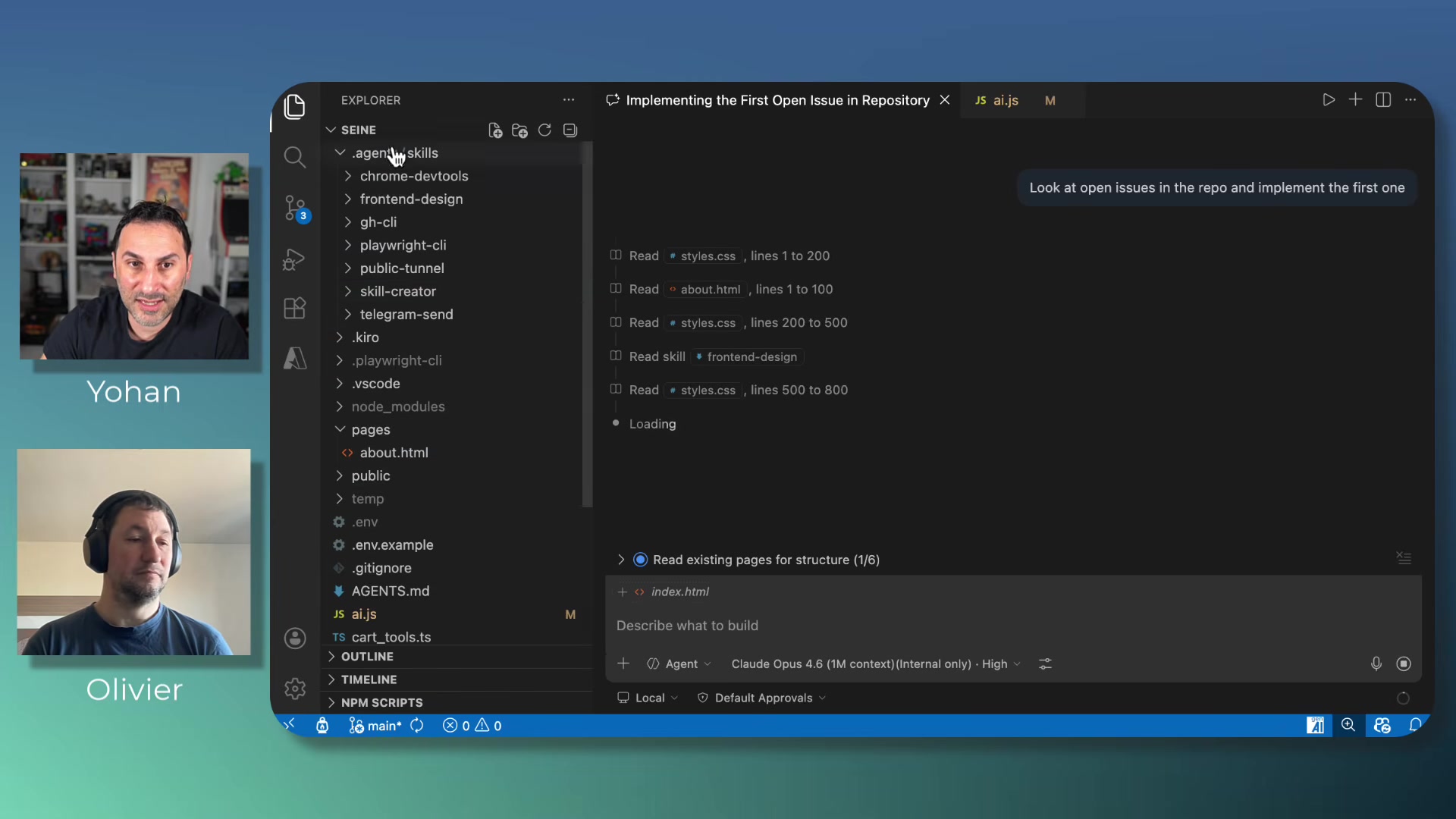
Yohan started with "skills" -- lightweight text-based plugins stored in .agent/skills/ folders that follow an open specification supported by most coding agents. Each skill has a name, a description the agent uses to decide when to load it, and instructional content.
He demonstrated chaining several together: a GitHub CLI skill pulls an issue, Playwright records a video of the implemented feature, a tunnel skill creates a public URL for mobile testing, and a Telegram skill sends that URL to his phone. An agents.md file orchestrates this into a repeatable workflow -- implement, record, tunnel, notify, then wait for human confirmation before closing the issue.
The practical upshot: instead of improving your prompting, you improve your skills library. The wordplay was intentional -- Lasorsa joked that getting better results from coding agents "is mainly a matter of skills -- but don't get me wrong, it's the one that you install and use with your favorite code agent."
Debugging Without Opening DevTools
Olivier demonstrated the Chrome DevTools MCP server -- an open-source project that exposes Chrome DevTools capabilities as tools callable by coding agents. Click, fill forms, read console messages, run Lighthouse audits, take screenshots, capture performance traces -- all available as MCP tools without manual DevTools interaction.
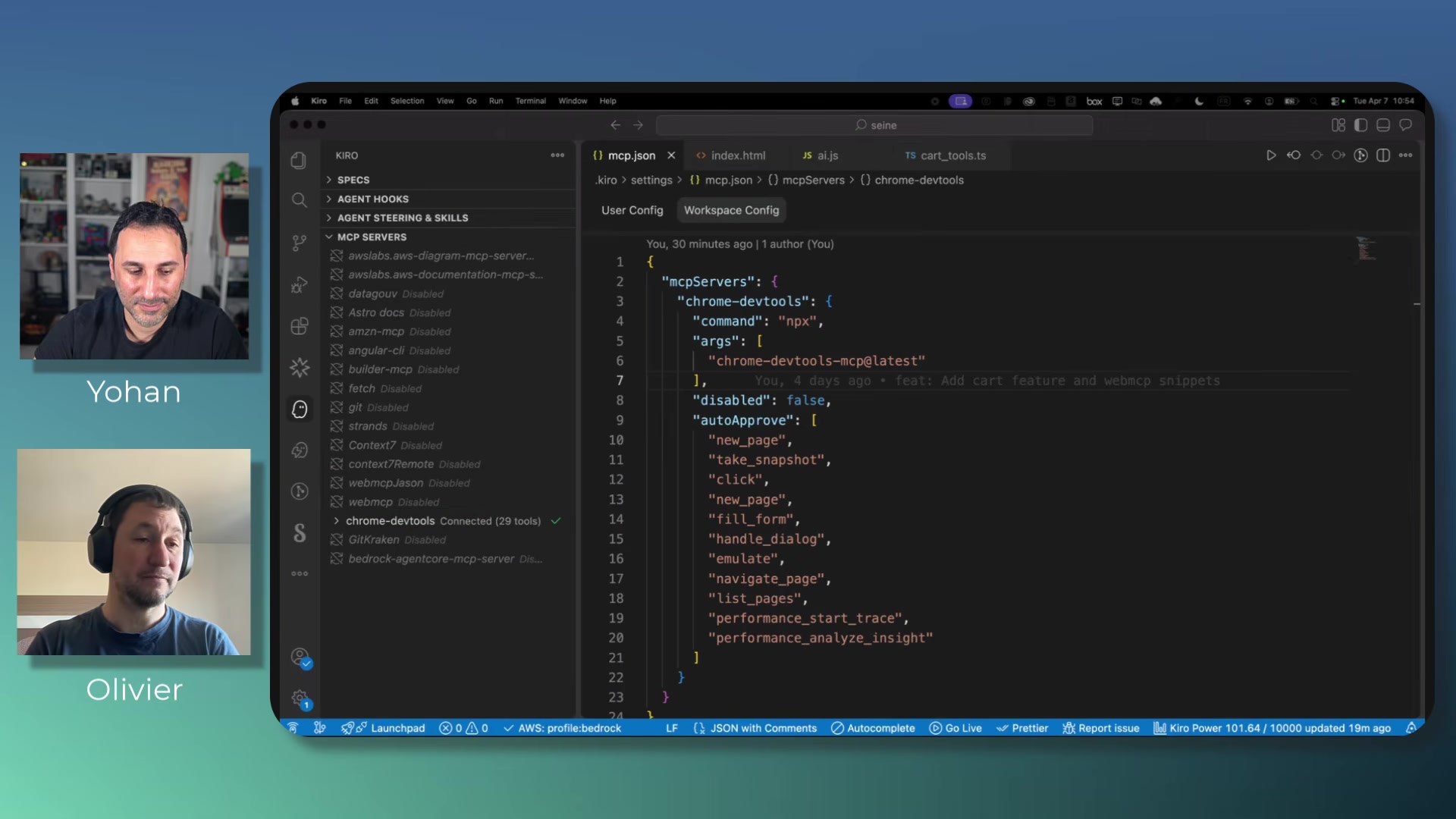
In the demo, an agent autonomously launched Chrome, navigated to the app, and ran performance traces under three network conditions -- no throttling, fast 3G, and slow 2G. It produced a report with LCP, CLS, critical path latency, and render-blocking resource analysis. The agent did the work a developer would normally do by hand across multiple DevTools panels.
Leplus also showed Chrome's built-in AI features in DevTools: an "explain with AI" button on console errors, a "debug with AI" option on failing network requests, and an "Ask AI" button on performance traces. These are baked into Chrome itself, not extensions.
A 4GB Model in Your Browser
The most technically surprising section covered the Web AI APIs -- currently in W3C draft status, implemented in Chrome behind flags, with Opera also adding support. These are browser-native APIs that run a local model on the client machine.
Lasorsa and Leplus demonstrated three APIs:
- Summarizer:
ai.summarizer.create()with options for output type (TLDR, teaser, key points, headline), length, and language. They summarized product reviews live. - Proofreader: Returns corrected text with start and end indices for each correction.
- Prompt API:
ai.languageModel.create()supporting multimodal input -- text, images, audio -- with structured JSON output via schema constraints. They uploaded a photo of headphones and got a generated product review back.
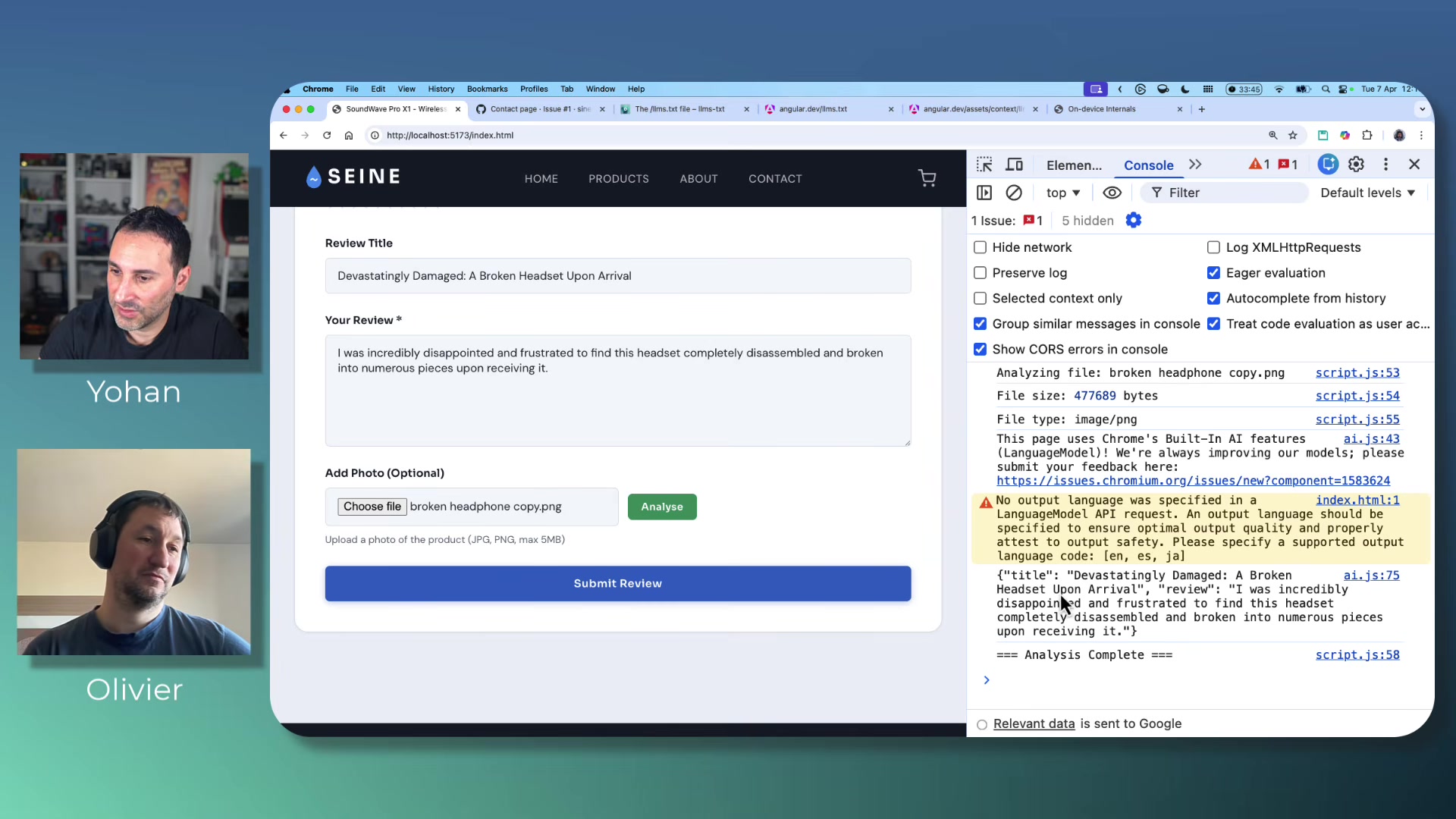
The model download is roughly four gigabytes, according to Leplus, downloaded once and shared across all websites. Chrome's chrome://on-device-internals page provides debugging for model status and token usage. The speakers emphasized these APIs are highly experimental -- the language specification requirement was added in the week before the talk.
Making Websites Agent-Readable
The second half of the symbiosis argument: if AI builds the web, the web should also feed AI. Lasorsa and Leplus covered two approaches.
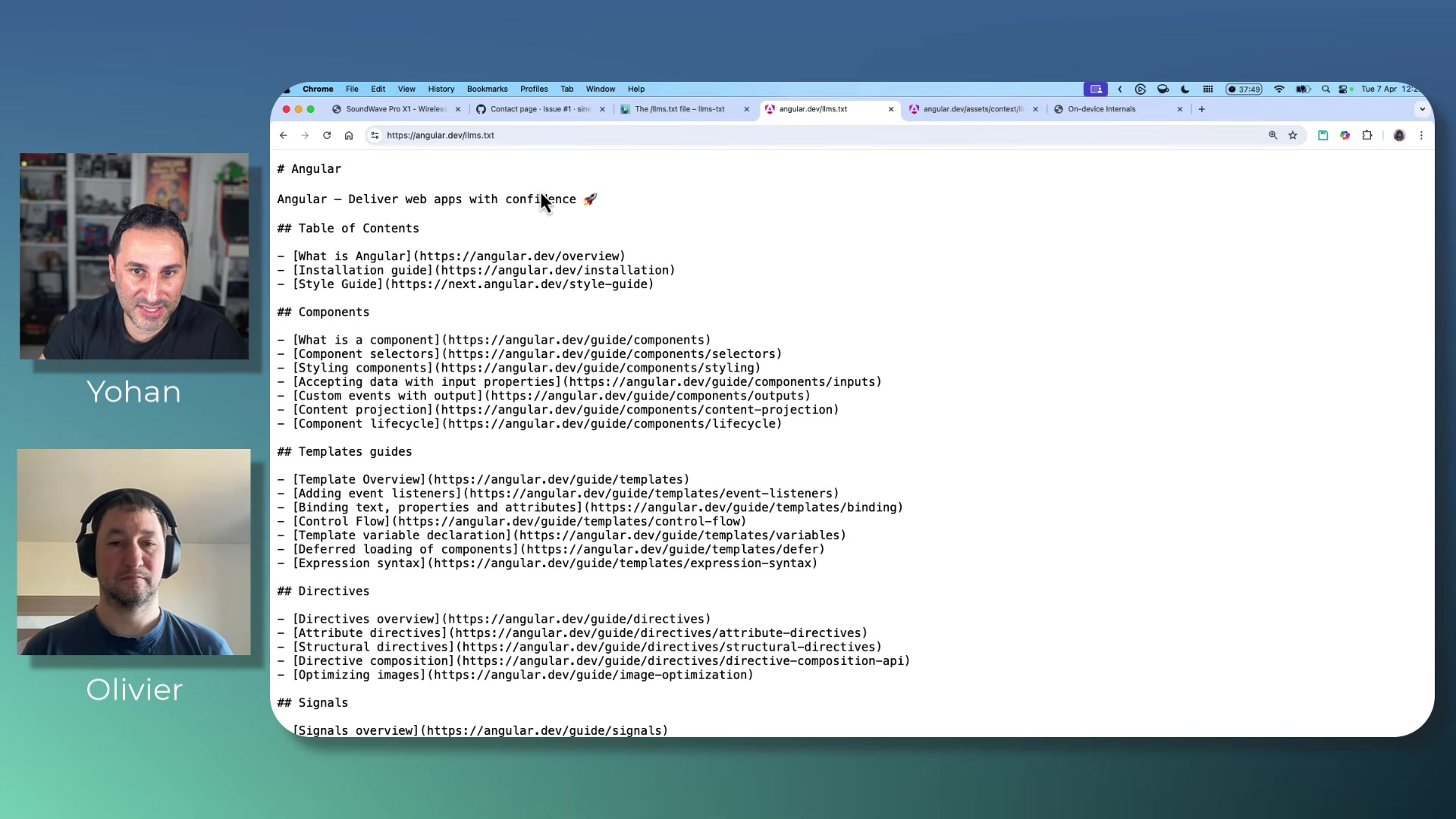
llms.txt is a markdown file served at a domain's root that acts as a map for AI agents to discover documentation pages -- a hybrid of robots.txt and sitemaps. There's also an llm-full.txt variant that consolidates all site content into a single file, useful for feeding coding agents up-to-date framework docs. Yohan pointed to Angular.dev as an example already shipping this.
WebMCP is far more ambitious and, as Leplus put it, "very, very highly experimental." The proposal lets websites register MCP tools directly on web pages. Leplus showed two approaches: a JavaScript API where you define a tool with name, description, schema, and execute function, then register it via the browser's navigator object; and a declarative HTML approach using attributes like tool-name, tool-description, and tool-auto-submit on existing form elements. The browser derives the tool schema from form inputs and their labels automatically.
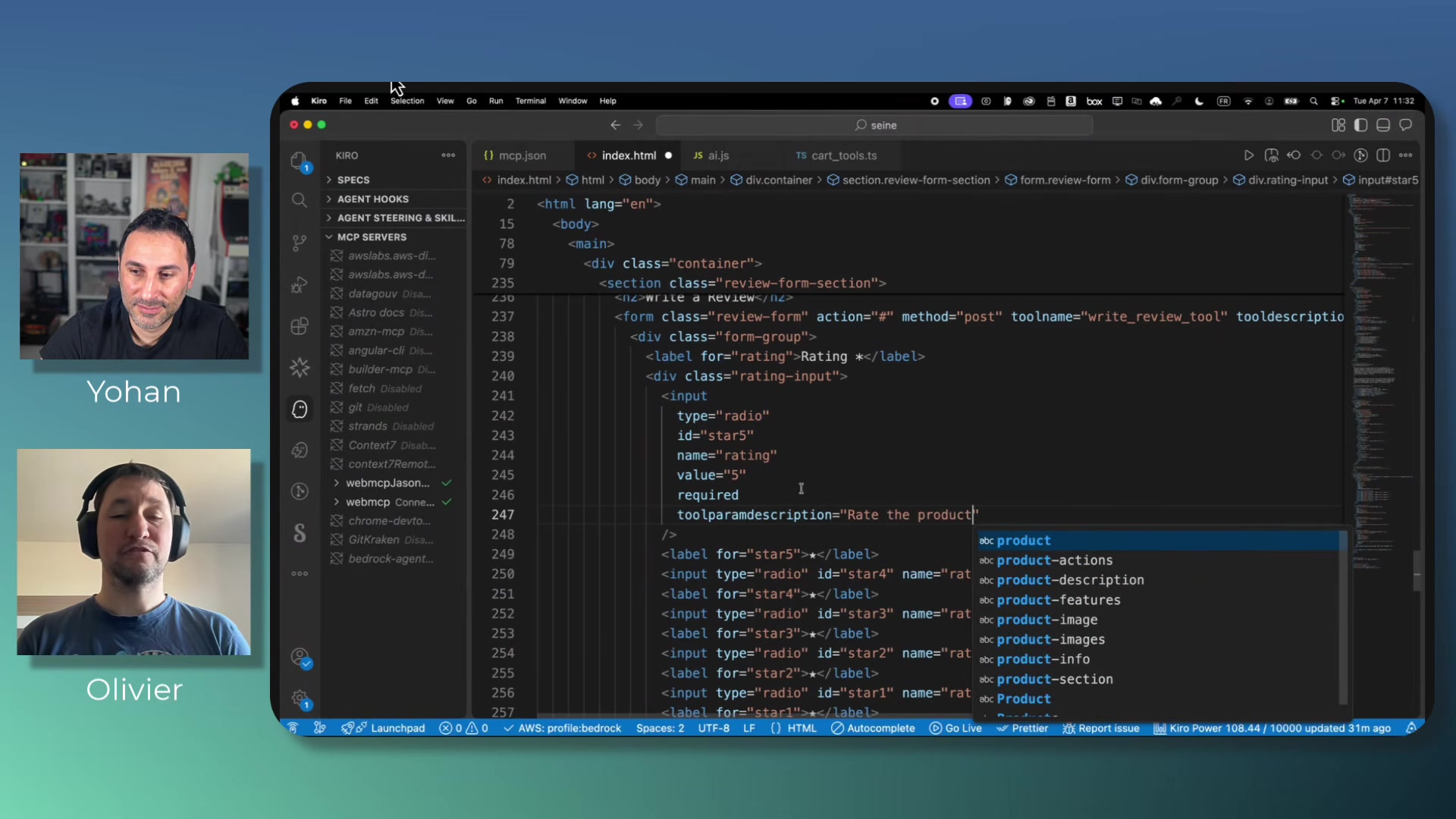
He demonstrated calling these registered tools from both a Chrome extension and from a coding agent IDE, with the tool executing directly on the web page.
The Responsive Design Analogy
Olivier closed with an analogy that frames the stakes clearly.
"It's like responsive design. At some point, you had to adapt your website for mobile. And if you didn't do it, then the competition did it. And then people wouldn't go to your website on the mobile."
His argument is that agent-readiness is the next version of that transition. Websites that don't expose structured interfaces for AI agents -- via llms.txt, WebMCP, or whatever standards emerge -- will be at a disadvantage as agentic browsers become mainstream. Whether the timeline is as compressed as responsive design's was is an open question, but the direction Lasorsa and Leplus describe is concrete enough to act on today.
Yohan Lasorsa and Olivier Leplus spoke at AI Engineer Europe 2026. Lasorsa is a Developer Advocate at Microsoft; Leplus is a Developer Advocate at AWS.