# Wrap with HTML tags in VSCode
By Corey J. Gallon · 2024-11-14 · https://gallon.me/wrap-with-html-tags-in-vscode.html
---
Using the Emmet capabilities in VSCode (see previous TIL) you can highlight a section of HTML code and quickly wrap it with other HTML using Emmet shortcuts.
This is particularly useful when writing plain HTML and then returning to style it.
You can access this functionality in the command palette

Smarter, still, is to create a keyboard shortcut for this. We’ll bind `ALT+M` to this functionality.

Now, simply highlight the HTML code you want to wrap, hit `ALT+M` and start typing the Emmet abbreviations for the tags you want to wrap the code with. For example, we’ll wrap this simple HTML form with some BulmaCSS classes to improve layout …
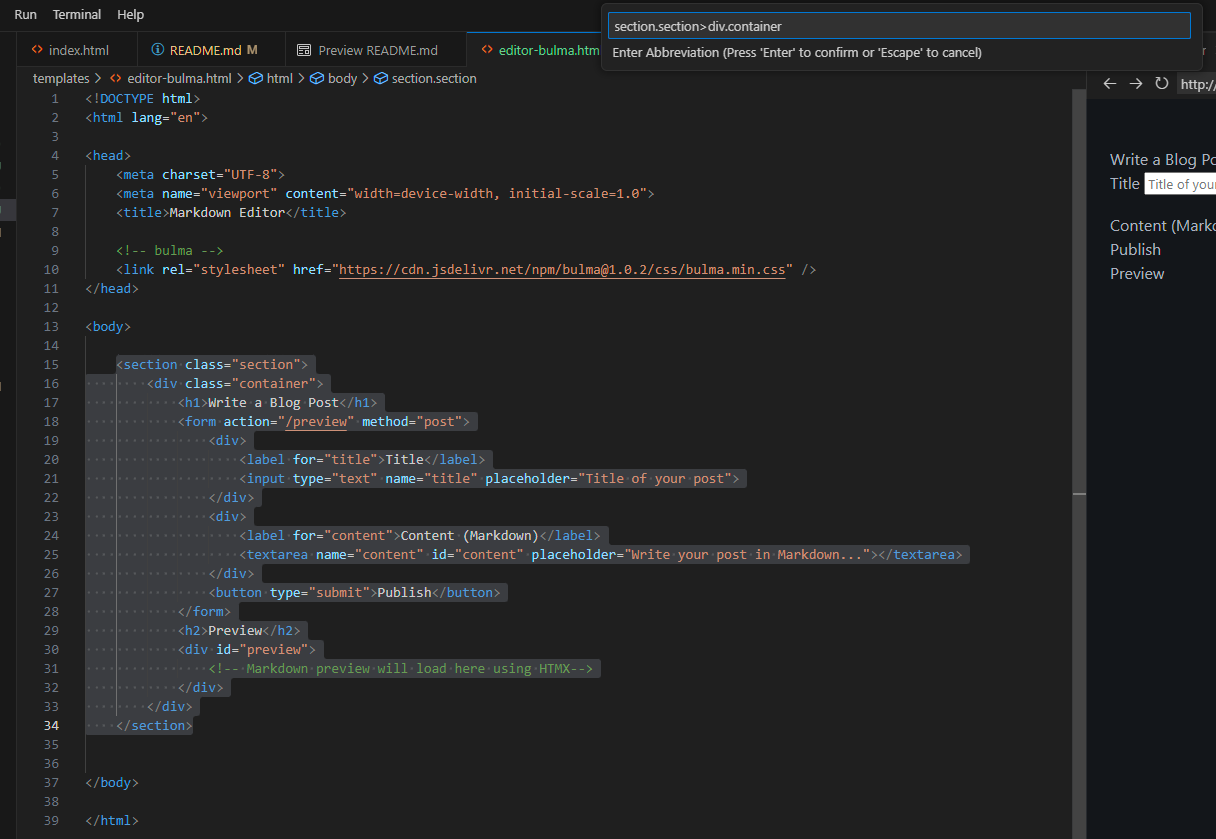
et voila!